
Meal planning
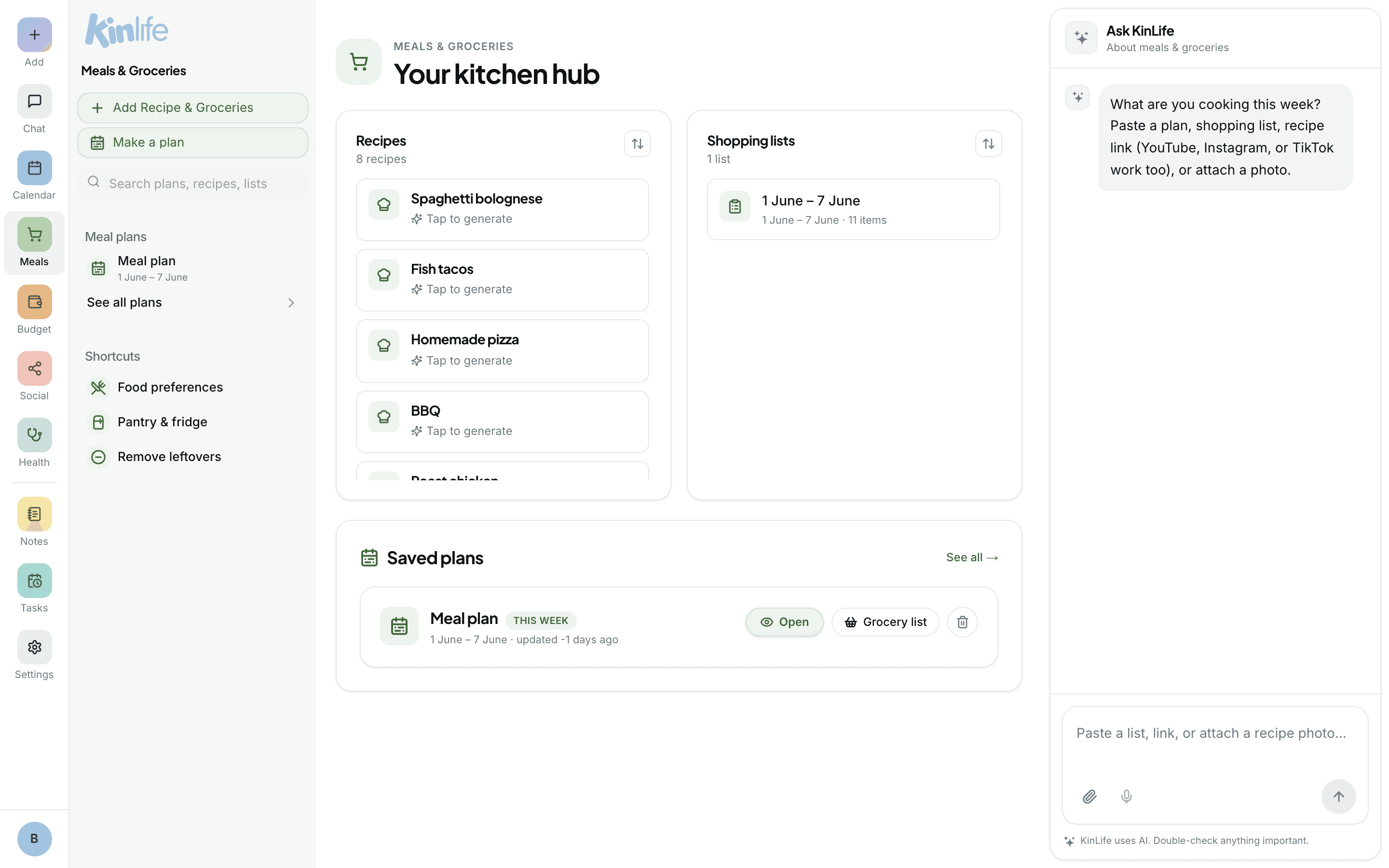
Plan a whole week of dinners in one conversation. The meal planner combines your family's preferences, what's in the pantry, and your upcoming calendar into a plan with recipes and a ready-to-shop list. It lives at Meals.
What it does
From a single request, the planner produces:
- A weekly plan with recipes, portion counts matched to your family size, and a short reason per dish.
- An aisle-grouped shopping list(produce, dairy, meat, pantry, frozen). Ask and it'll price the list against Woolworths, Coles, and Aldi.
- A persistent Meal Plan note in your Lists, so the next plan picks up where this one left off.
Planning a week
Open the Meals page and start a chat, or ask from anywhere:
- “Plan us five dinners this week, two of them vegetarian”
- “Plan meals around soccer on Tuesday and a late meeting Thursday”
The shopping list
The shopping list is grouped by aisle. Ask it to price the list and it pulls live results from Woolworths, Coles, or Aldi, so you can see what's actually on the shelf. You can also ask it to swap stores, drop items you already have, or add extras.
Iterating in place
The Meals page hosts an embedded chat so you can refine the plan without losing the list:
- “Swap Tuesday for something pescatarian”
- “Make Friday vegetarian and use what we already have”
How it remembers
The plan persists as a tagged note, so future planning sessions build on the last one instead of starting from scratch. You'll find the Meal Plan note in your Notes under the Meal plan tag.